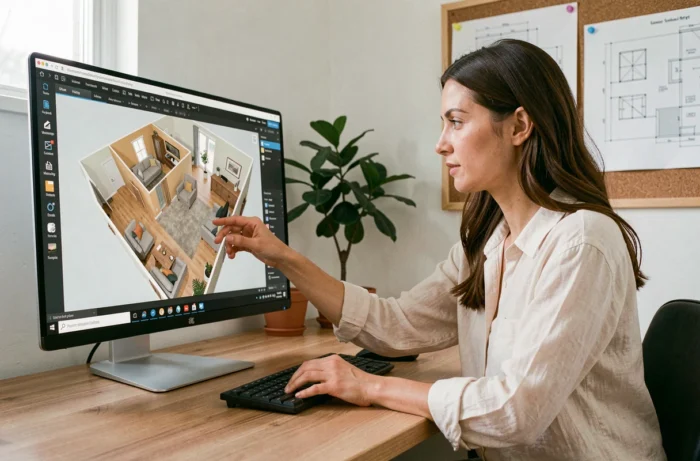
A 3D interior design software allows you to draw walls, position furniture, and visualize the result before any purchase or renovation. The choice of the right tool depends on three parameters: the expected level of detail (quick sketch, scaled plan, or photorealistic rendering), the user’s profile (individual, student, professional), and the software’s ability to exchange files with other project stakeholders.
This ranking reviews seven solutions, from the most versatile to the most specialized, to help identify the one that meets a specific need.
1. SketchUp: the versatile 3D modeling tool
SketchUp is based on an extrusion drawing principle: you trace a 2D shape, then pull it into volume. This logic makes it easy to learn even without technical training. The software covers interior architecture, custom furniture design, and client presentations.
The free version (SketchUp Free, online) is sufficient for a personal project. The paid Pro version adds DWG export compatible with AutoCAD, management of multiple scenes, and access to rendering extensions like V-Ray or Enscape. A comparison of 3D interior design tools shows that SketchUp remains the most cited reference in interior architecture agencies, especially for its 3D Warehouse component library.
Main limitation: photorealistic rendering requires a third-party plugin, which increases the budget and the learning curve.
2. HomeByMe: the online plan accessible to individuals
HomeByMe works entirely in a web browser. You draw the plan room by room, drag furniture from catalogs of real brands (kitchens, bathrooms, storage), and obtain a realistic 3D rendering without local installation.
The tool is suitable for individuals preparing for a move or light renovation. The free version allows a limited number of high-definition renderings. The paid version unlocks more simultaneous projects and visuals.
HomeByMe does not manage technical dimensions at the same level as professional software. For a file intended for a craftsman or a study office, exports remain basic.
3. Sweet Home 3D: the free and offline software
Sweet Home 3D is completely free and open source. It installs on Windows, macOS, and Linux. The interface divides the screen into two: the 2D plan at the top, the real-time 3D view at the bottom. Each modification to the plan is instantly reflected in the model.
The integrated furniture catalog covers common uses. Additional free libraries allow for expanded choices. The software accepts the import of scanned plans as a background image, useful for reworking an existing apartment.
The downside: textures and lighting remain basic. The final rendering does not compete with that of a dedicated engine, which limits its use in commercial presentations.
4. Cedreo: fast rendering for builders
Cedreo targets individual home builders and professional renovators. Its main advantage is the generation of photorealistic renderings in minutes, without external plugins. You transition from a 2D plan to a furnished and lit 3D visual within the same interface.
The software offers configurable house models (single-story, multi-story, converted attics). Facade materials, roofing, and interior layout can be configured together, which speeds up the production of commercial files.
- PDF export of dimensioned plans directly usable by construction teams
- Construction-oriented materials library (cinder block, wood frame, insulation) in addition to decorative furniture
- No local installation required, the tool runs in the browser
The subscription pricing makes it less relevant for occasional use by individuals.
5. Planner 5D: quick visualization on mobile
Planner 5D stands out for its availability on smartphone and tablet, in addition to the web browser. The application allows you to draw a plan with your finger, place furniture, and switch to immersive 3D view.
The tool is suitable for quickly testing multiple configurations of a room without turning on a computer. High-definition renderings and some advanced textures are reserved for the paid version.
Modeling remains simplified: no exportable dimensions, no management of technical layers. Planner 5D serves as a sketch tool, not for production.
6. RoomSketcher: dimensioned plans for real estate agencies
RoomSketcher produces dimensioned 2D plans and 3D virtual tours primarily used by real estate agencies and developers. The interface guides the user step by step: drawing walls, placing openings, adding furniture, then automatically generating the furnished plan.
The software calculates the areas by room and generates a summary, simplifying the writing of listings. Interactive 3D tours can be embedded in a web page or shared via link.
For an in-depth interior architecture project, the options for customizing materials and lighting are limited compared to SketchUp or Cedreo.
7. AutoCAD Architecture: technical precision for building professionals
AutoCAD Architecture is a version of AutoCAD enriched with architectural objects (walls, doors, windows, stairs) with parametric behaviors. Technical drawing takes precedence over 3D visualization.
The tool produces execution plans, sections, and elevations compliant with building drawing standards. It natively exports in DWG, the most widely used format for exchanges between architects, study offices, and construction companies.
- Fine layer management, suitable for multi-lot projects (structure, fluids, electricity)
- Automatic dimensioning and standardized annotation
- Interoperability with Revit and other BIM tools for projects requiring a shared digital model
The subscription and learning curve place AutoCAD Architecture out of reach for occasional use. It is aimed at professionals who produce technical deliverables daily.
The choice between these seven tools boils down to a question of deliverable: a quick visual to validate an ambiance, a dimensioned plan for a craftsman, or a complete technical file for a construction site. Testing the free or trial version of two or three software on the same project remains the most reliable way to decide.